
The short answer
Schedule the stream as a TikTok LIVE Event, go live at the same time each week, open with a clear reason to stay, and talk to every early commenter by name. TikTok's LIVE feed weighs watch time, likes, comments and gifts, so a room that interacts gets recommended more than a quiet one. Clip the replay afterward.
Key facts
- TikTok's LIVE feed considers LIVE views, likes, gifts, the creator's follower count and the viewer's watch time, with viewer interactions weighted most.
- LIVE Events let viewers register for a scheduled stream and get notified; times show in each viewer's local time.
- TikTok keeps LIVE replays for 30 days for downloading and clipping.
- Static, unattended or looped streams and gift-baiting can make a LIVE ineligible for monetization.
- Socipro live viewers can only be ordered once you are live, and the stream must be public, not subscriber-only.
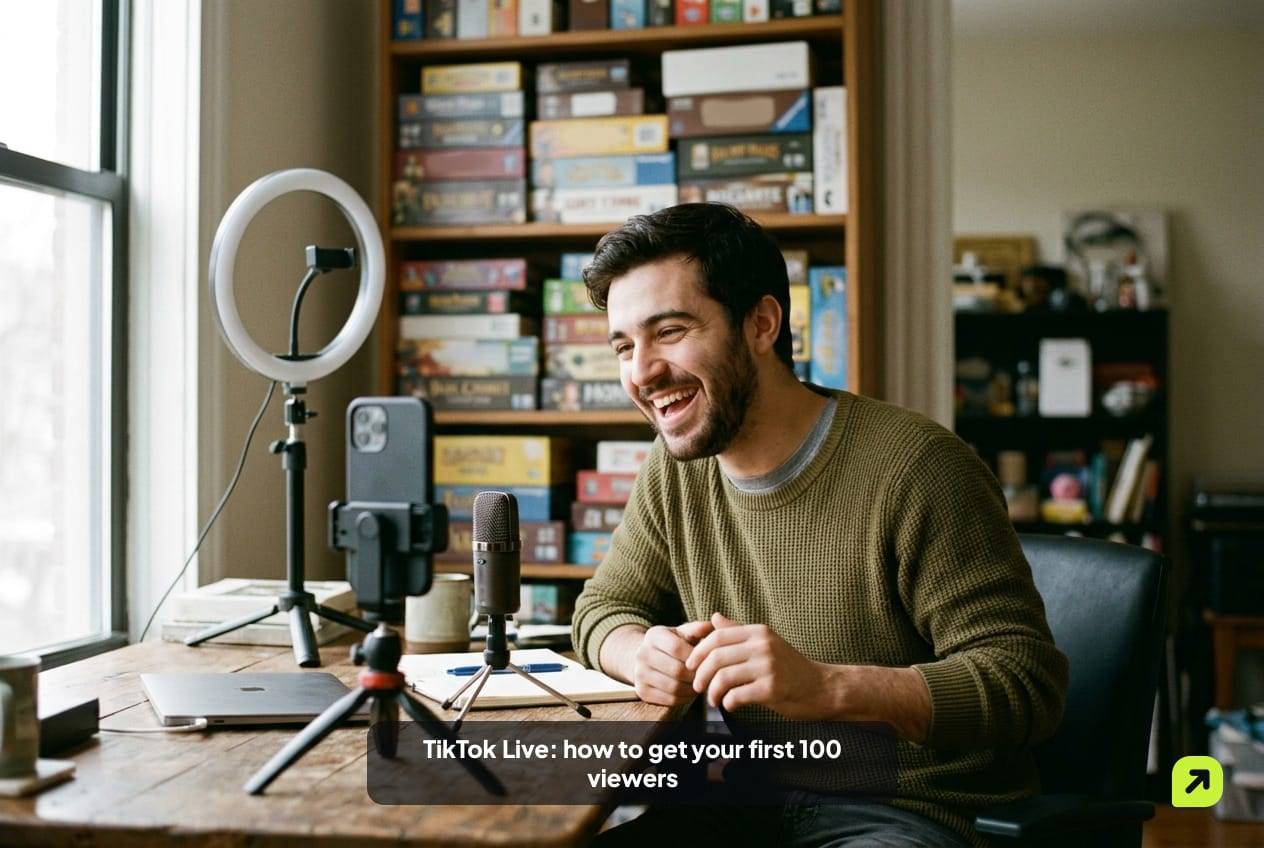
The first 100 viewers are the hardest ones. An empty room is awkward for you and for the few people who wander in. Most leave in seconds, and a stream that loses people early has little to show TikTok when it decides who else should see it.
This plan is built around what TikTok says its LIVE feed looks at, and it works in phases: the days before, the opening minutes, the middle of the stream, and the hours after. Requirements to go live at all are in how to go live on TikTok.
Where do paid live viewers fit?
Some streamers start with a small paid audience so newcomers don’t walk into a room showing zero. If you buy TikTok live viewers from Socipro, it works like this: you go live first, then order. Your stream must be public, not subscriber-only. You choose how many viewers and how long they stay. Viewers join within minutes of the order starting and stay for the length you chose while your stream is live.
What they don’t do is talk. Paid viewers raise the count; they don’t comment, like or send gifts on your behalf. TikTok’s LIVE rules are also clear that using fake engagement to request gifts can restrict LIVE features, so never pair a paid room with a push for gifts. TikTok’s current Community Guidelines also say it doesn’t allow “the trade of services that artificially boost engagement or trick the recommendation system.” Platform rules are outside our control, so weigh that before ordering. Use it, if at all, to make the first minutes less empty while you do the work below.
If you do order, size it to your stream rather than to a target number. A room that suddenly shows far more viewers than comments looks odd to anyone paying attention. Pick a duration you’re certain you will stream for, because viewers can only stay while you’re live and unused time isn’t refunded if you end early. Check your connection first, start talking, then place the order from the same device or another one while the stream runs. The prices and available durations are on the service page.
What does TikTok’s LIVE feed look at?
TikTok’s help center lists the factors for its LIVE feed, which you reach from the LIVE button at the top of For You, and which can also recommend streams inside For You itself.
| Factor type | What TikTok lists | What you can influence |
|---|---|---|
| Viewer interactions | LIVE videos they like and comment on, creators they follow, watch time, gifts sent | Keep people talking and staying |
| LIVE information | Hashtags, number of LIVE views, number of likes, number of gifts, creator’s follower count, country | Clear title and topic; a room that likes and chats |
| Viewer information | Device settings, language, location, time zone and day, device type | Go live when your audience is awake |
TikTok adds: “For most users, user interactions, which may include the time spent watching a specific LIVE, are generally weighted more heavily than others.” So the plan below is mostly about one thing: making people stay and respond.
Before you go live: the 48 hours ahead
Create a LIVE Event. In the app, tap Add post, then LIVE, then LIVE Center, then LIVE Events, and follow the steps. You can also create one from TikTok Studio. Viewers can register and get notified, and TikTok shows the start time in each viewer’s local time.
Post a teaser video. A short clip that says what’s happening, when, and why it’s worth turning up. Point to the event.
Pick one reason to stay. “Ask me anything” is weak. “I’m rating your desk setups live,” “First listen of my new EP,” or “Building this LEGO set in one sitting” gives people a reason to wait for the next part.
Set up safety tools. Add a moderator you trust and set comment filters. TikTok holds creators responsible for what happens in their LIVE, including what third-party tools read out.
Minutes 0 to 5: the opening
The first viewers decide whether the next ones see an active room.
- Start talking the moment you’re live. Don’t wait for people. Explain what today’s stream is.
- Greet every name. Early viewers who hear their name tend to stay and comment.
- Ask one easy question. Something anyone can answer in a word: “Where are you watching from?” or “Which one should I start with, A or B?”
- Pin a comment that says what the stream is about, for people arriving later.
Minutes 5 to 30: holding the room
| Do | Why it helps |
|---|---|
| Recap what’s happening every few minutes | New arrivals need context or they leave |
| Run a repeating segment | Gives people a reason to wait |
| React to comments out loud | Comments and watch time feed the LIVE feed |
| Invite a co-host once you’re comfortable | Puts you in front of another creator’s viewers |
| Ask for likes when something earns it | Likes are a listed LIVE factor; earned asks land better |
Stay present. TikTok’s LIVE monetization guidelines say streams that are “largely passive or unattended,” like sleeping on camera, or that show “prolonged blurred, obscured, or static screens” may be ineligible for monetization. Pre-recorded or looping video presented as live is treated the same way.
The last minutes: ending well
Say when you’re back. Same day, same time, ideally with the next LIVE Event already created.
Thank people by name. Especially anyone who stayed from the start.
End on purpose. Tap End LIVE, then End now. Don’t let the stream fade out with nobody talking.
After the stream: turning one LIVE into five videos
TikTok keeps LIVE replays for 30 days. You can find them in TikTok Studio under LIVE, then LIVE recordings, or in the LIVE Center, and download or clip them from there.
Clip the two or three strongest moments: a funny reaction, a reveal, a useful answer. Post them as normal videos with a line about when you’re live next. Those clips reach people through For You who have never seen your streams. That is where most of your next 100 viewers come from.
Which mistakes empty a room fastest?
Most first streams lose viewers for the same handful of reasons.
- Waiting for people before starting. “I’ll start when more people join” is the line that makes everyone leave. Start the moment you’re live.
- Silence while reading comments. Read them out loud. A viewer who arrives during a silent pause sees nothing happening.
- No topic. A title like “chilling” gives a browser no reason to tap. Name the activity.
- Bad audio. People forgive a grainy picture faster than a voice they can’t hear. Test the microphone in a short private recording first.
- Begging for gifts or follows. TikTok’s LIVE monetization guidelines list mechanical, repeated requests for gifts and “follow-for-follow” promises as behavior that can make a stream ineligible for monetization. It also reads as desperate.
- Ending abruptly. Viewers who were enjoying it don’t learn when you’re back.
- Changing the time every week. Regulars can’t plan around a slot that moves.
Fix the first three before your next stream and the others as you go. None of them costs money, and together they decide whether the people who do arrive stay long enough to matter.
How do you know it’s working?
Count three things after every stream:
- Peak and average viewers. Average matters more; it shows whether people stayed.
- Returning names. If the same handles come back, you’re building a regular audience.
- Comments per viewer. More conversation means more of what TikTok’s LIVE feed weighs.
A smaller room that returns every week is worth more than a one-off spike. If you’re also counting likes and gifts, our guide to TikTok LIVE likes and gifts covers how those work. More in the TikTok guides.
Sources
Sources (8)
- How TikTok recommends content: LIVE feed (TikTok Help Center)
- TikTok LIVE Events (TikTok Help Center)
- TikTok LIVE replays (TikTok Help Center)
- Co-host on TikTok LIVE (TikTok Help Center)
- LIVE Monetization Guidelines (TikTok LIVE Creator Hub)
- LIVE feature guidelines (TikTok LIVE Creator Hub)
- Integrity and Authenticity (TikTok Community Guidelines)
- What is TikTok LIVE? (TikTok Help Center)
Frequently asked questions
What time should I go live on TikTok?
Do live viewers from Socipro chat in my stream?
What happens if my stream ends before the viewers' time runs out?
Should I do a co-host LIVE as a beginner?
 Eleanor WhitmoreContent Lead, Instagram and TikTokEleanor Whitmore writes Socipro's Instagram, TikTok and local guides. The platform guides cover how Reels, Explore and the For You feed choose what to show and how a LIVE gets its first viewers. The local guides cover posting times by time zone and the ad-disclosure rules in each country Socipro serves.
Socipro sells the services mentioned in this article. How we write and check our guides: editorial policy.