
The short answer
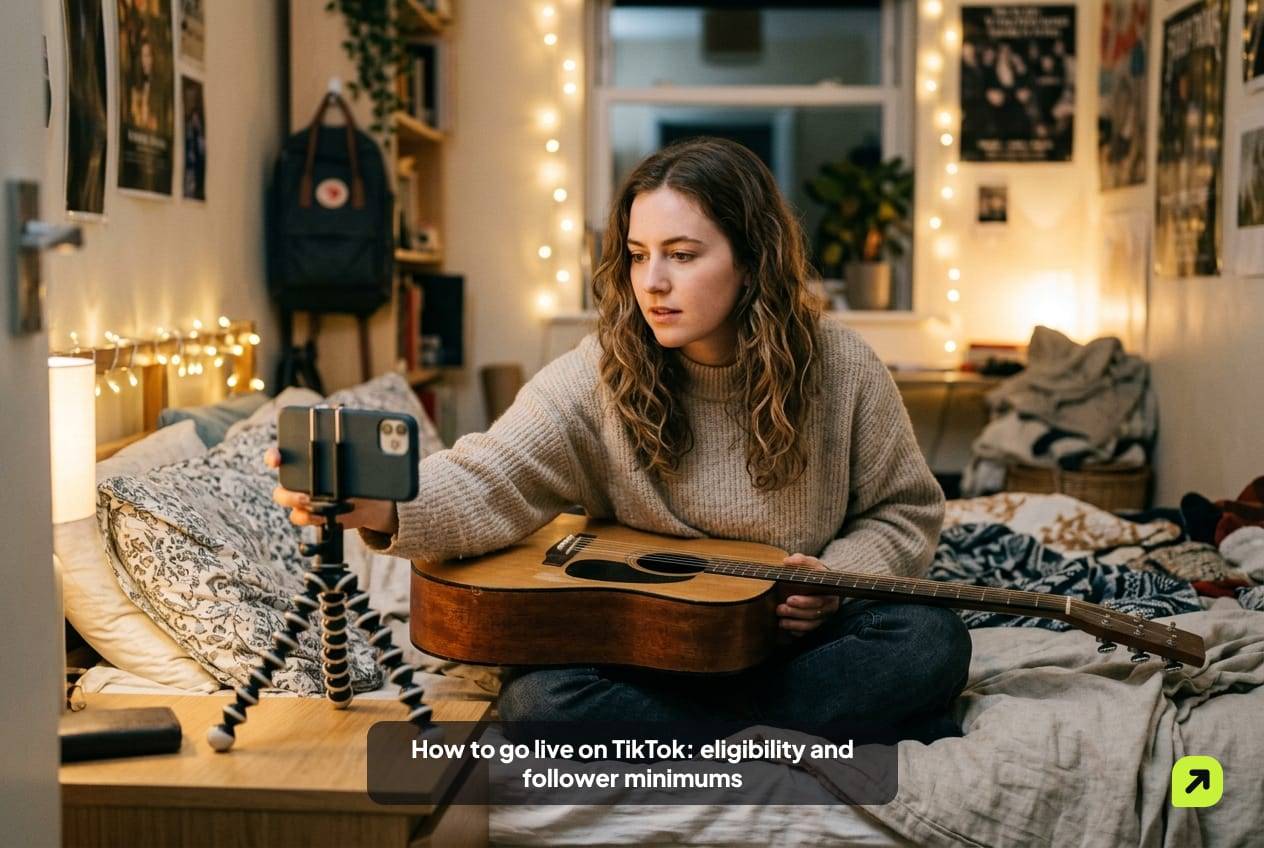
As of October 2026, TikTok says you need to be at least 18 years old and have 1,000 followers to go LIVE, though the follower number may vary by region. Receiving gifts also requires 18+ (19 in South Korea) and a location where gifts are available. Then tap Add post, choose LIVE, add a title and tap Go LIVE.
Key facts
- TikTok's help center lists age 18+ and 1,000 followers to go LIVE, noting the follower number may vary by region (checked October 2026).
- Sending or receiving LIVE gifts requires age 18 or older, or 19 in South Korea.
- Government, politician and political party accounts can't collect Diamonds through LIVE gifts.
- TikTok keeps LIVE replays for 30 days so you can download or clip them.
- TikTok says it removes fake likes, followers and other inflated signals when it detects inauthentic metrics.
TikTok LIVE is one of the few features with a hard follower minimum. That makes “how many followers do I need?” the first question most creators ask, and the answer is a little more nuanced than a single number. Here are the requirements TikTok publishes as of October 2026, the steps to start, and what to check when the LIVE option doesn’t appear.
How many followers do you need to go live on TikTok?
TikTok’s help center lists three conditions for LIVE:
- Be at least 18 years old to go LIVE.
- Be at least 18 years old (or 19 in South Korea) to send or receive gifts during a LIVE.
- Have 1,000 followers to go LIVE. TikTok adds that this “may vary across regions.”
It also notes that LIVE and gift features “aren’t currently available everywhere.”
So 1,000 is the standard number, but not a promise. If you have passed it and still can’t go live, region is one of the first things to check.
The threshold is also why “TikTok followers to go live” is a common search. Some people look at offers to buy TikTok followers to cross it faster, including ours. Before you do, know what TikTok says about it: “If we detect accounts or content with inauthentic metrics, we’ll remove fake likes, followers, or other inflated signals.” The same guidelines say TikTok doesn’t allow “the trade of services that artificially boost engagement or trick the recommendation system.” A follower order is not a reliable way to clear an eligibility bar that TikTok can re-check, and an empty LIVE room doesn’t become a full one because the follower number changed.
What are the full requirements for each LIVE feature?
| Feature | Age | Followers | Other conditions |
|---|---|---|---|
| Go LIVE | 18+ | 1,000 (may vary by region) | LIVE available in your location; account in good standing |
| Receive LIVE gifts | 18+ (19 in South Korea) | Must be eligible to go LIVE | Gifts available in your location; not a government, politician or political party account |
| Send gifts as a viewer | 18+ (19 in South Korea) | None | Coins purchased through the app or website |
| Watch LIVE | Any TikTok user | None | Under-18s are restricted from some LIVE streams |
| LIVE Studio on desktop | 18+, as for any LIVE | Access set by TikTok | Offered to eligible creators, mainly for gaming |
Gifts are how LIVE creators earn. TikTok says gifts let viewers react in real time and that it awards Diamonds “the more popular your content becomes.” You turn LIVE Gifts on or off in the LIVE screen’s settings before you go live. Government, politician and political party accounts can’t collect Diamonds this way.
How do you start your first TikTok LIVE?
TikTok’s help center gives these steps for the mobile app:
- Tap the Add post (+) button at the bottom.
- Tap LIVE at the bottom. You may need to scroll across.
- Add a title, set up LIVE tools, and adjust your LIVE settings.
- Tap Go LIVE.
You can change tools and safety settings during the stream by tapping More, then Settings. To finish, tap End LIVE at the top, then End now.
A few settings worth deciding before your first stream:
- Title. It shows to people browsing LIVE. Say what’s happening, not “come hang out.”
- Gifts. If you’re eligible, decide whether LIVE Gifts should be on. The switch is in the LIVE screen’s settings.
- Moderators. Add a friend you trust before you start, not mid-stream when comments arrive fast.
- Comment filters. Set them up in advance; TikTok’s LIVE rules hold creators responsible for what happens in their streams.
Why is the LIVE button missing?
Run through this list in order.
| Check | Where | What to look for |
|---|---|---|
| Age on the account | Profile settings | Birthdate showing 18 or older |
| Follower count | Profile | At least 1,000, unless your region differs |
| Region availability | Help center or in-app notice | LIVE “isn’t currently available everywhere” |
| Account status | Settings, then Account status | Healthy, or recent violations that restrict features |
| Feature restrictions | Inbox, System notifications | A notice that LIVE or a LIVE feature is restricted |
| App version | App store | Latest version installed |
Account status deserves a closer look. TikTok’s help center says it reflects your violation history across the last 90 days and can be Healthy, Fair, Severe or Banned. Repeated violations “may progressively reduce your account status” and lead to temporary restrictions on features. The LIVE section of the Community Guidelines adds that if a LIVE breaks the rules, the session may be stopped and the creator “could face temporary restrictions from going LIVE.” Violations expire after 90 days.
TikTok’s LIVE feature guidelines describe how restrictions are communicated: a notification in your in-app inbox that names the restricted feature, the reason, and how long it lasts.
What gets a LIVE restricted?
The rules that matter most for a new streamer:
- Safety and Community Guidelines. A LIVE with violating content may be stopped; repeated or serious violations can lead to a ban.
- Guests are your responsibility. In multi-guest LIVEs, a guest who breaks the rules is removed, and the host may lose access to guest features for a while.
- Third-party tools. If a voice-to-text or comment-display tool reads out something harmful, the creator is accountable.
- Authenticity. Pretending to be someone else or streaming someone else’s content without permission can lead to restrictions.
- Engagement tricks. TikTok’s LIVE feature guidelines name “like-for-like” promises and using fake engagement to request gifts as behavior that can restrict LIVE features.
- Commercial content. Promotions on LIVE must be disclosed with the commercial disclosure toggle.
What can you do once you’re eligible for LIVE?
Going live alone is only the start. TikTok’s help center describes several features that open up around LIVE.
| Feature | What it does | Good for |
|---|---|---|
| Multi-guest | Invite a limited number of guests into your LIVE in audio or video | Interviews, Q&As, duets with other musicians |
| Co-host | Go LIVE together with other creators at the same time | Reaching another creator’s viewers |
| LIVE match | A co-host mode where creators compete for points from gifts and likes | Streams with an existing, active audience |
| LIVE Events | Announce a stream in advance so people can register | Building a regular slot |
| Replays | Recordings kept for 30 days to download or clip | Turning a stream into short videos |
Co-host is the one most new streamers overlook. TikTok says you can invite a friend, people you may know, or a random recommended creator. Recommended creators are suggested based on basic account information such as app language and follower count, plus their past LIVE content. Going live with someone of a similar size puts you in front of their viewers, and theirs in front of yours.
LIVE match is the opposite case. Points come from gifts and likes, so a match against a bigger creator is hard to win while your own room is small. Save it for when you have regulars.
How should you plan your first few streams?
Going live is easy. Having someone to talk to is the hard part. Three habits help from the start.
Schedule it. TikTok’s LIVE Events let you announce a stream in advance from the LIVE Center or TikTok Studio. Viewers can register and get a notification, and the time is shown in each viewer’s local time.
Keep the slot. The same day and hour each week trains your audience to show up.
Save the stream. TikTok keeps LIVE replays for 30 days. You can download them or clip highlights from TikTok Studio, then post the strongest moment as a normal video that points people to your next LIVE.
For a minute-by-minute plan to fill the room, read TikTok Live: how to get your first 100 viewers. To understand how TikTok decides which videos and streams to show, see how the TikTok algorithm works. More in our TikTok guides.
Sources
Sources (11)
- What is TikTok LIVE? (TikTok Help Center)
- LIVE Gifts on TikTok (TikTok Help Center)
- Accounts and features: TikTok LIVE (TikTok Community Guidelines)
- TikTok LIVE replays (TikTok Help Center)
- TikTok LIVE Events (TikTok Help Center)
- Content violations and bans (TikTok Help Center)
- Co-host on TikTok LIVE (TikTok Help Center)
- TikTok LIVE multi-guest (TikTok Help Center)
- LIVE match (TikTok Help Center)
- LIVE feature guidelines (TikTok LIVE Creator Hub)
- Integrity and Authenticity (TikTok Community Guidelines)
Frequently asked questions
Can you go live on TikTok at 16 or 17?
Why can't I go live with over 1,000 followers?
Can I go live on TikTok from a computer?
How long can a TikTok LIVE last?
 Eleanor WhitmoreContent Lead, Instagram and TikTokEleanor Whitmore writes Socipro's Instagram, TikTok and local guides. The platform guides cover how Reels, Explore and the For You feed choose what to show and how a LIVE gets its first viewers. The local guides cover posting times by time zone and the ad-disclosure rules in each country Socipro serves.
Socipro sells the services mentioned in this article. How we write and check our guides: editorial policy.